How to download ROB RUN
ROB RUN (Kefir) has one published install path: the Steam store page. On 3 November 2026 that page is still Coming Soon, so there is no client to download today.
Do this when the page opens
- Install the Steam client from store.steampowered.com.
- Search for ROB RUN and match the developer name Kefir and app 4262460.
- Add the game to your wishlist while the button says Coming Soon.
- When Early Access opens, use the free install button on that same page.
- Leave at least 20 GB free on a Windows 10 64-bit PC with a broadband connection.
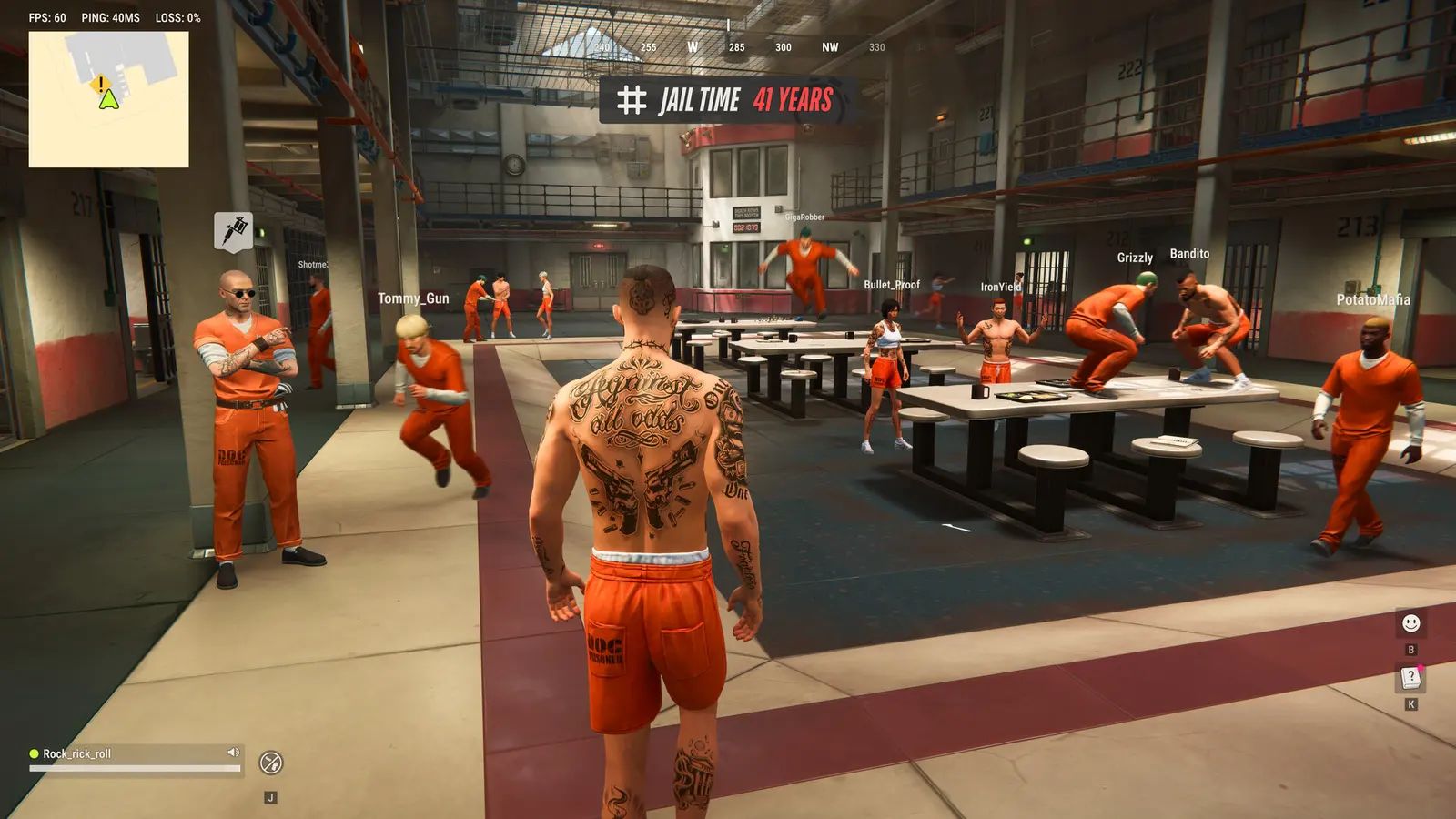
What is not a download
The official site robrun.com sends people to the Steam wishlist. It does not host an installer. Kefir has not posted a standalone setup file, a paid edition, or a preload time. Third-party “download” pages, file hosts, and APK stores are not the Windows client.
Playtest builds were separate Steam apps and those store URLs no longer stay on their own pages. Do not hunt old playtest packages. The live product, when it ships, is app 4262460.
What the FAQ says you can buy
The 2 October FAQ says only cosmetic items are for sale. That does not add a second installer. The game itself is the free Steam package.
Questions
Where is the ROB RUN download button?
On the Steam page for app 4262460, after Early Access opens. On 3 Nov 2026 the page is still Coming Soon.
Is there an official APK?
No mobile edition is published. See the APK page for the lookalike packages.
How large is the install?
Steam and the Kefir help articles both list 20 GB of storage.
Sources
- Steam store page for ROB RUN — checked 2026-11-03
- Official site robrun.com — checked 2026-11-03
- Kefir Help Center, ROB RUN (English) — checked 2026-11-03
Last checked: 2026-11-03.